Kitchen Sink: Every Ghost Editor Element

Heading Level 1
This post demonstrates every element available in the Ghost editor. Use it to verify that the theme styles all content types correctly.
Heading Level 2
This is a paragraph with bold text, italic text, bold italic text, inline code, a link, and strikethrough text.
Heading Level 3
Another paragraph to demonstrate spacing between headings and body text. Good typography requires consistent vertical rhythm.
Heading Level 4
Less commonly used but important for deeply structured content like documentation or technical articles.
Heading Level 5
Even deeper nesting for complex hierarchical content.
Heading Level 6
The smallest heading level. Rarely used but should still be styled distinctly from body text.
Lists
Unordered List
- First item in the list
- Second item with more detail
- Nested item one
- Nested item two
- Deeply nested item
- Third item back at top level
- Fourth item to show spacing
Ordered List
- Step one: Plan your content strategy
- Step two: Create your content calendar
- Sub-step: Identify key topics
- Sub-step: Assign authors and deadlines
- Step three: Write and publish
- Step four: Measure and iterate
Blockquotes
This is a single-line blockquote. It should stand out visually from the surrounding text.
This is a multi-paragraph blockquote. It demonstrates how the theme handles longer quoted content.
The second paragraph of the blockquote continues here. Notice the spacing between paragraphs within the quote element.
Table
| Feature | Free | Starter | Business | Enterprise |
|---|---|---|---|---|
| Members | Unlimited | Unlimited | Unlimited | Unlimited |
| Staff users | 1 | 2 | 5 | Unlimited |
| Custom themes | No | Yes | Yes | Yes |
| Priority support | No | No | Yes | Yes |
Images
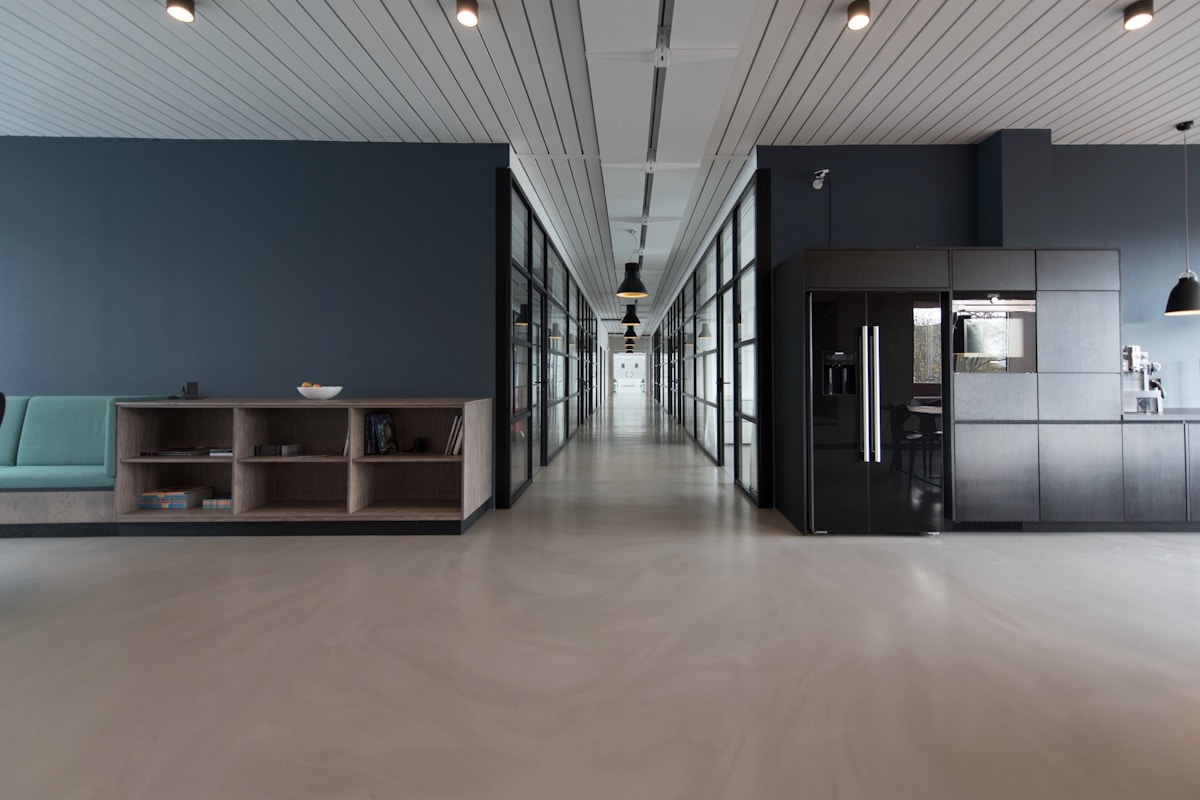

Gallery
Code Blocks
JavaScript
// Calculate ROI for consulting engagement
function calculateROI(investment, returns) {
  const roi = ((returns - investment) / investment) * 100;
  return {
    percentage: roi.toFixed(1),
    multiple: (returns / investment).toFixed(1)
  };
}

const result = calculateROI(50000, 200000);
console.log(`ROI: ${result.percentage}% (${result.multiple}x)`);
Python
import pandas as pd
from datetime import datetime

def analyze_client_revenue(clients_df):
    """Analyze revenue trends across client portfolio."""
    summary = clients_df.groupby("segment").agg(
        total_revenue=("revenue", "sum"),
        avg_engagement=("engagement_months", "mean"),
        client_count=("client_id", "nunique")
    )
    return summary.sort_values("total_revenue", ascending=False)
CSS
/* Professional card component */
.service-card {
  padding: 2rem;
  border-radius: 8px;
  background: var(--color-surface);
  border: 1px solid var(--color-border);
  transition: box-shadow 0.2s ease;
}

.service-card:hover {
  box-shadow: 0 4px 12px rgba(0, 0, 0, 0.1);
}
Callout Cards
Toggle Cards
What industries do you serve?
How long is a typical engagement?
Do you work with small businesses?
Bookmark Card

YouTube Embed
Button Card
This concludes the Kitchen Sink demonstration. Every element above should be styled consistently with the Simplicity theme design system.